
How to Search Cases by Name
Start a Decatur County name search at the Georgia Courts E-Access page. It points readers to Tyler's re:SearchGA service. It also lists Decatur State and Decatur Superior among the court choices. The live portal needs an account. Names work best when you already know the court and the case family. A spelling or date clue helps too. A common surname can flood the screen with entries. So jot down your court and search mode before opening any result.
The Quick Reference Guide shows a text search field sitting next to a Search By menu. Wildcards are allowed for certain first-name, last-name, attorney, and judge searches. The live Decatur option list was not visible during the August 20, 2026 check. A blank screen is not a final answer. Confirm the court first. Then retry with a tighter spelling or a specific identifier.
Record the court, the mode, and the exact spelling you used. That trail helps the clerk help you later. It also keeps a Decatur County court docket search from turning into guesswork.
- Read the notice or filing and identify Decatur State Court, Superior Court, or another issuing court.
- Open the official E-Access route and sign in or create an account through the re:SearchGA service.
- Choose the search mode, enter the party or professional name as requested, and use Advanced only when needed.
- Sort the results by newest filing date, oldest filing date, or case number, then open the matching case description.
- Compare the case detail, hearing dates, and filings with the notice. Ask the responsible clerk about a missing or restricted entry.
| Field or Control | Type | Required | Decatur Search Note |
|---|---|---|---|
| Cases / Hearings | Tab | Unspecified | Use Cases for the register and Hearings for hearing-oriented results. |
| Search By | Dropdown | Unspecified | Select the mode that matches the value being entered; the local option list was blocked. |
| Search field | Text or dialog | Unspecified | Enter the value required by the selected mode. Use an exact case number when available. |
| Advanced | Control | Optional | Opens added criteria; record the court, case type, status, or date choice used. |
| Sort By | Dropdown | Optional | Newest case-filed date, oldest case-filed date, or case number. |
A result list is only as good as the court selection behind it. A city citation, Probate matter, or Magistrate status question may belong with a local clerk instead of the State or Superior index. Call that office before assuming a case does not exist.
Decatur County E-Access Case Search
The stable public doorway is the Georgia Courts E-Access page. It lists participating providers and links the Decatur court choices. The direct re:SearchGA case-search page is the Tyler-hosted endpoint the state court system names. Start at the state page. That helps you avoid a vendor link tied to a different court or record type.
One distinction matters here. re:SearchGA is the public index layer, not the Decatur Clerk's filing system. The Decatur Clerk separately identifies Odyssey eFileGA, PeachCourt, EZFile, and GSCCCA channels. E-filing sends a submission to the clerk for review. A case lookup returns the register and available case details. Keeping those roles separate keeps you from mistaking a filing vendor for a complete public docket.
The account gate and the court selector both shape what you see. You may need to choose Decatur State or Decatur Superior rather than searching the county as one pool. A city ordinance citation, a Probate record, a juvenile file, a Magistrate status question, or a federal case is different. Route it by the court named in the source document.
The official Decatur Magistrate Court site is a reminder that lower-court access often begins with a phone call. It directs users to contact the clerk for status. It posts no direct public search URL.
So the rule stays simple. Use E-Access for the courts it lists. Use the named local office when the case falls outside that index or a result needs verification. The official route beats a generic vendor search. Decatur has several courts with separate custody and access rules. For a Decatur case missing from re:SearchGA, a phone or counter inquiry through the Magistrate Court channel may be the right next step. The Decatur Magistrate Court source page lays out that local context.
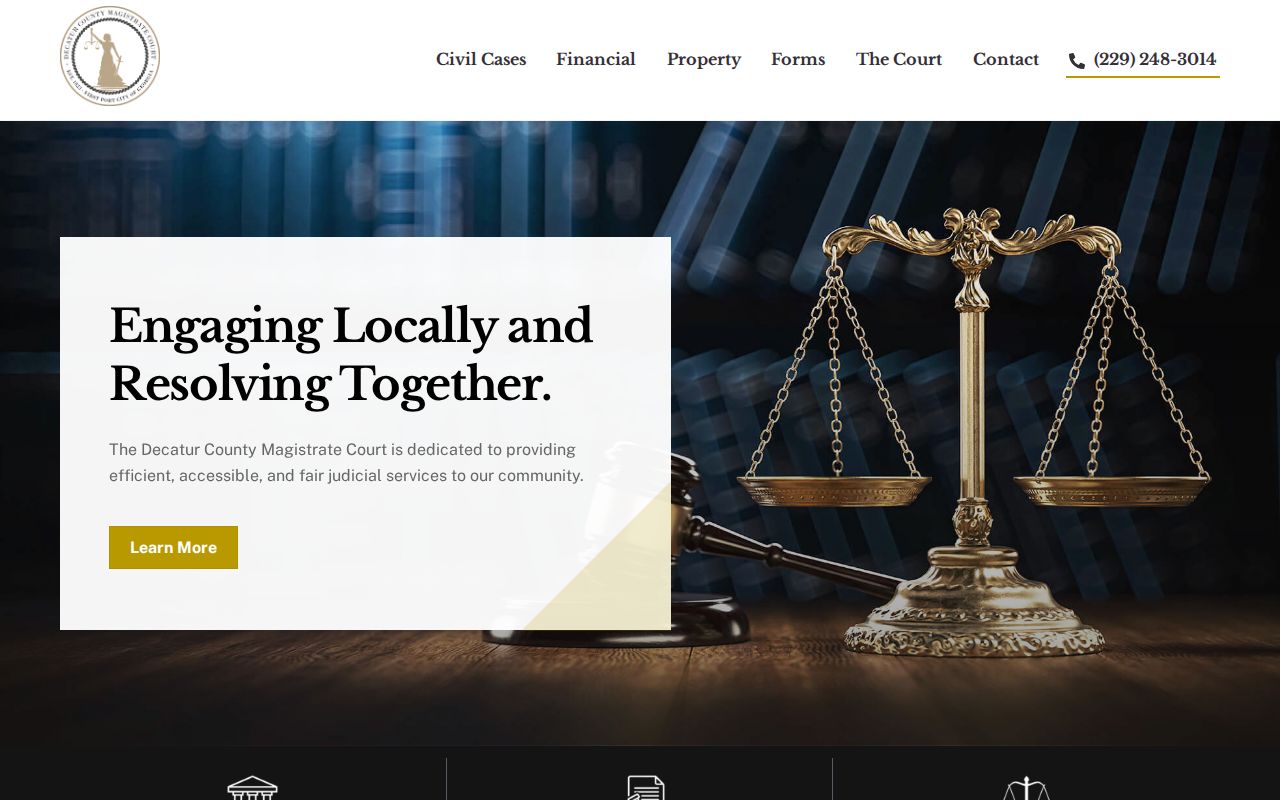
When the statewide case index is the wrong channel, a local court contact can settle a status question fast.
Decatur County Case Search Field Order
A guide-based field order keeps a Decatur County search repeatable. Pick the court choice and the Search By mode first. Then enter the exact value that mode requests. The live Decatur option list is blocked behind the account gate, so write down the court, field label, and spelling before you run the search.
Use an exact case number whenever you have one. For a name search, keep the last name, first name, attorney or judge role, and any date or case-type clue from the notice. Open Advanced only when the basic result is too broad. A search record noting the court, search mode, filters, and sort order helps the clerk diagnose a blank or mismatched result.
How to Search by Case Number
A case number is the cleanest way to run a docket search, if you have one. Type it exactly as it reads on your notice or file-stamped paperwork. The Decatur Clerk's e-filing tips offer Superior civil examples like YRCV##### and 18CV#####. State civil filings look like YRSV##### or 18SV#####. Those samples cover civil formats only. A number lifted from a federal matter only works in a federal system.
The letter prefix hints at the court. But the notice itself names the court you want. Felonies live in Superior Court. Misdemeanors and traffic often sit in State Court. A Bainbridge municipal citation stays in the city's own system. Probate, Magistrate, juvenile, and federal records each keep separate boundaries.
Inside re:SearchGA, pick the number-based search mode when offered. Enter the full identifier. Open the case description instead of trusting a short result row. A rejected number usually means a missing year, letter, or leading zero. Check those before guessing. Call the Decatur Clerk rather than inventing a different number.
A number from a scan or a scrawled note needs care. Compare it character by character against the source notice. Swapping a civil prefix for a State civil prefix can push your docket search into the wrong result set.
Treat the case number as a locator. The case detail view and clerk confirmation tell you which entries and documents are truly public.
Decatur County re:SearchGA Case Tabs
Two main tabs in re:SearchGA answer two different questions. Cases is where you find a register by court, number, or party. Hearings serves up settings and hearing results. Remember that a hearing entry only marks a scheduled event. It does not prove the hearing happened. Nor does it prove that a ruling was entered or that the Decatur County case closed.
Results can be sorted by newest case-filed date, oldest case-filed date, or case number. Click through the case description and you reach Case Details. That page lays out the case number and type, parties, attorneys, judicial officers, filings and documents, and hearings. Tools for a case summary, alerts, sharing, printing, saving a case folder, and exporting results appear there too. Which actions you get depends on account role and record access.
A Decatur result is still worth checking against the local calendar pages. The calendar can reveal a courthouse civil hearing. It can also show a jail-courtroom criminal setting, a WebEx day, or a State Court session. Match the court, date, time, and session type before you treat a hearing entry as the next event.
The state system's Quick Reference Guide supplies the field and Case Details descriptions for the public interface. It is a product reference rather than a Decatur case result. It explains why a result view mixes event history with document controls.
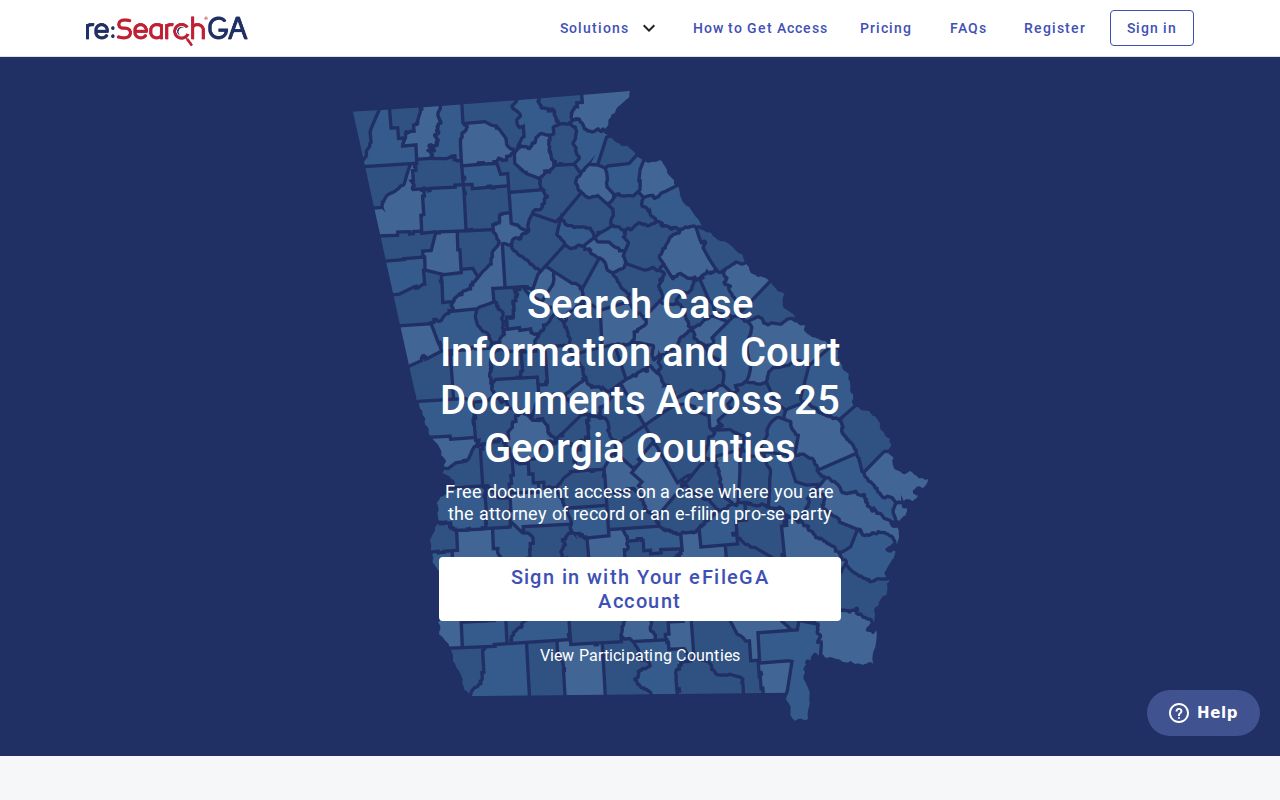
Even a solid result still needs a court-specific check. Confirm with the court when a date has moved, a document is restricted, or the case has not yet indexed.
Decatur County Case Search Sort Controls
re:SearchGA's guide lays out three sort choices. They are newest case-filed date, oldest case-filed date, and case number. Sorting only rearranges results. It never changes which court records the docket search covers. Newest-first helps with a fresh filing. A case-number sort makes a known identifier pop out among related cases.
Open the case description and Case Details can show print, save, alert, share, and export controls, plus a name alert and a FILE INTO action. Your account and the case record decide what appears. Saving a result or printing a summary still does not turn an index page into a certified copy.
What a Case Search Shows
A Decatur County case search shows a structured history, not the whole file. Expect the case number and type. Expect a filing date, court and county, parties, attorneys, and judicial officers. Hearings, filings, docket events, and a status or disposition entry round out the picture. How much appears depends on several things. The court, the case type, your account role, and whether a document image exists all matter.
Think of the clerk's register as an index and event history. It is not a transcript. It is not an evidence file, a judge's notes, or an automatic certified copy. A file-stamped PDF proves a document was accepted, but certification is a separate clerk authentication.
| Case number and type | Identifier plus a court-defined category such as Superior civil, State civil, felony, misdemeanor, or traffic. |
|---|---|
| Filing or open date | Date the case or initiating pleading entered the court system. |
| Parties and attorneys | Named parties or labels and counsel shown as representing a party, with restrictions applied where required. |
| Judicial officers | Judge or other officer associated with the case or a setting. |
| Filings and documents | Filed pleadings, orders, judgments, or links whose image access may be fee-controlled or restricted. |
| Hearings and status | Dated settings, event descriptions, and a disposition or status entry when one is available. |
Work through the entries in time order. A motion, hearing, continuance, judgment, and disposition each mean something different. A hearing with no result listed is not a gap to fill with assumptions. Ask the clerk about the current docket event or the document procedure instead.
Decatur County Case Search 403
On August 20, 2026, the re:SearchGA endpoint returned HTTP 403. That matches the official route, but it proves nothing more. A block can stem from a temporary outage. It can also come from an account problem, the wrong court selection, or a restricted record. Treat it as a dead end for the moment, not a verdict on the case.
Keep your search trail when the portal fails. Write down the court you selected and the URL. Note the time and the case number or name. Record what result you expected too. Then call the office that holds the record. The Decatur Clerk's general line is 229-248-3025. The traffic or misdemeanor line is 229-248-3028. Magistrate status questions go to 229-248-3014. A Bainbridge municipal citation belongs to 229-243-0132 and the city's separate portal.
When the online docket will not open, the phone route still works. The Decatur Clerk contact page lists a name. It gives a telephone number, an email address, and a comments form for reaching the office. The page promises no response time. It also stops short of calling the form a formal copy request, so treat it as a routing channel rather than a records request.
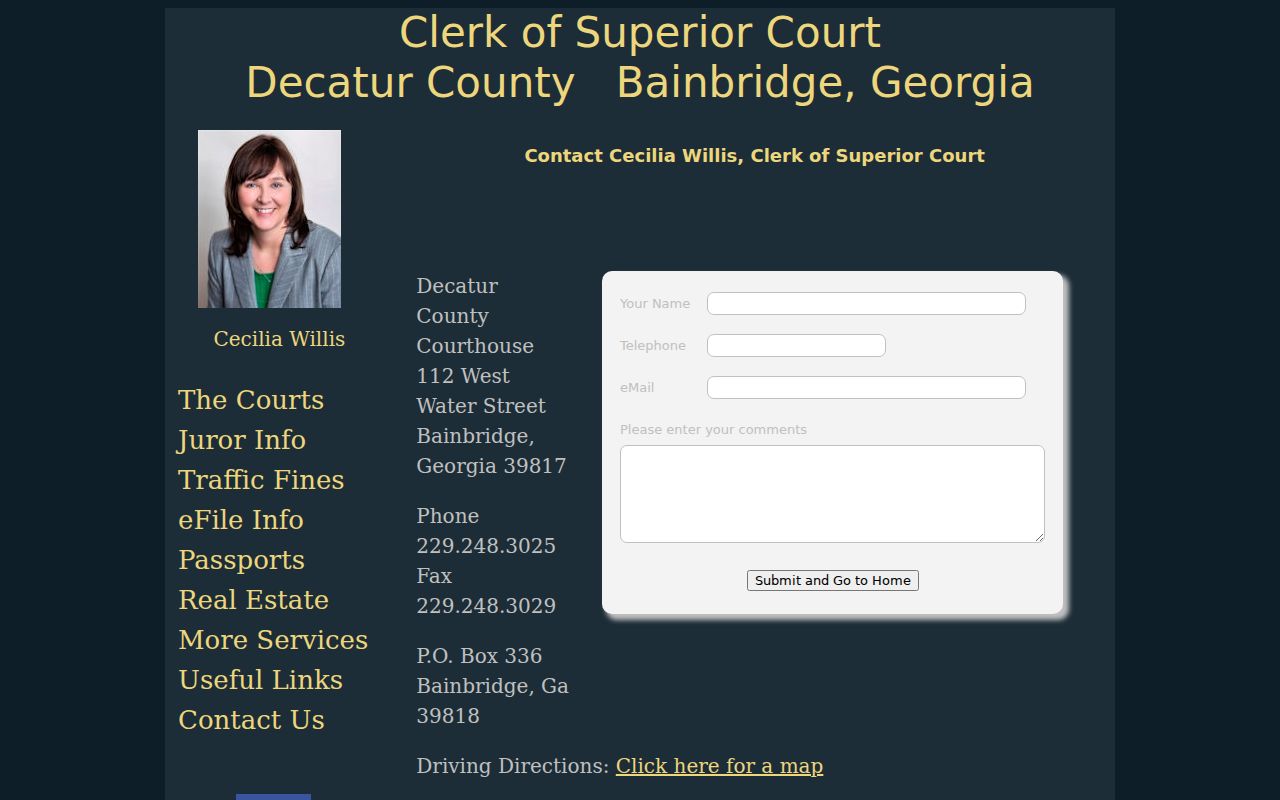
A clerk can sort out the right division, say whether a record is public, and point you to a copy process. Legal advice is off limits. That boundary keeps the search record honest. A blocked page is a reason to work the fallback chain, not a reason to report that a case does not exist.
Decatur County Case Search Result Check
Treat any hit as a candidate until it checks out. Match the court and case type. Match the case number and filing date. Check party role and attorneys against the notice or filing that started the search. A similar name is not enough. The court and the number are stronger clues than a name alone.
Then keep event history separate from document access. A hearing line is a setting, and a filing line marks a submission. A disposition or judgment entry records a later court action. A document link may sit behind a fee or a restriction. Then ask the clerk for the correct copy type. This check keeps an index result from being mistaken for the whole file or a certified record.
County vs Statewide Case Search
Georgia's E-Access service is a statewide layer. Even so, a Decatur search still starts by choosing the listed court. The county offers no single portal for every channel. No one portal covers each municipal, Probate, Magistrate, juvenile, Superior, State, and federal court. A local case search works best when the court is already known. A broader statewide route helps when you cannot tell which participating Georgia court holds the case.
| Search Route | Best Use | What It Can Show | Limit to Remember |
|---|---|---|---|
| Georgia Courts E-Access and re:SearchGA | Decatur State or Superior case index | Case details, events, hearings, parties, and available document links | Account required; access varies by court and record. |
| Decatur Clerk | Known local case, copy, status, or missing entry | Custody, filing status, current procedure, and official copy routing | Separate court divisions and no legal advice. |
| Bainbridge Municipal portal | Bainbridge city citation | Citation search and city payment or status controls | Not a complete Decatur County docket. |
| Federal PACER or CM/ECF | Middle District or bankruptcy matter | Federal docket and documents through the federal system | Not part of Georgia state case search. |
A known case number usually favors the local route that matches it. Name-only searches need more care. Similar names, separate courts, and restricted records can yield a false match or a blank set.
For the documents behind a case entry, the Decatur County court record search explains clerk requests, vendor access, and certified copies. That record request is a separate step from finding a case number.
Decatur County Citation Search in Bainbridge
Bainbridge Municipal Court runs its own public citation interface. Search options include citation number with date of birth, driver's license number with state and date of birth, Social Security number with date of birth, plate and state, first and last name with date of birth, or business name. The controls are Search and Sign In/Register. This is a municipal citation and payment path, not a substitute for Decatur State or Superior case search.
Read the court name on the ticket first. That name is the routing clue. A Bainbridge Public Safety citation belongs to the municipal channel. A Georgia State Patrol or Decatur County Sheriff's Office citation may belong to State Court, and a felony indictment belongs to Superior Court. The county clerk expressly separates Bainbridge Municipal Court from the Clerk of Superior Court.
Use the municipal portal for the fields it supports. When a result stays unclear, confirm a date or status with the city court at 229-243-0132. A city result should never be merged into the county register just because both courts sit in Decatur County. The source court controls the next search step.
Restricted Cases and Access Rules
Most Georgia court records are public. Not everything shows up in a name search, though. The Georgia Attorney General notes that Superior, State, Probate, and Magistrate Courts do not fall under the Georgia Open Records Act the way executive agencies do. Access runs through the court, the clerk, court rules, and statutes. An open-records request to a county agency will not reach a Clerk of Superior Court docket.
Uniform Superior Court Rule 21 sets the access and restriction framework for Superior Court records. A restriction order names the affected part of a record. It also gives the limit, its duration, or its reason. Rule 21.2 weighs privacy harm against public interest. Rule 21.6 covers protected identifiers and sealed filings. Under Rule 36.17, Social Security, taxpayer, and account numbers generally shrink to the last four digits. Birth dates shrink to the year.
Some categories need extra care. Juvenile cases and adoption material sit outside ordinary access. Sealed cases, protected filings, and certain statutory sealing or unavailability rules do too. PeachCourt also keeps some items out of its general file-stamped document access. Sealed documents, adoption documents, and unexecuted proposed orders stay out of that access. A blank result can mean many things. The cause might be the wrong court, a new case, a number-format error, an outage, or a restricted record. It might also be a case held by a municipal, Probate, Magistrate, or federal system. Try the right court first.
Public access in plain terms:
Georgia Attorney General Open Government FAQ explains that Georgia courts are outside the executive-branch Open Records Act process, so use the responsible clerk's court-record procedure.
Uniform Superior Court Rule 21 governs public inspection and motions or orders that restrict Superior Court access.
Georgia Supreme Court Rule 22 addresses open-courtroom and recording or electronic-device policy; seeing a public setting is not blanket permission to record it.
Sensitive identifiers deserve caution here. Never copy one from a public filing. If you spot a number left exposed in a court record, ask the clerk how to report it.
For later rule changes, the Georgia Supreme Court rules and amendments page is the official source to check. It shows adopted amendments to the access rules as they take effect, so it reflects the current framework rather than any particular Decatur County case.
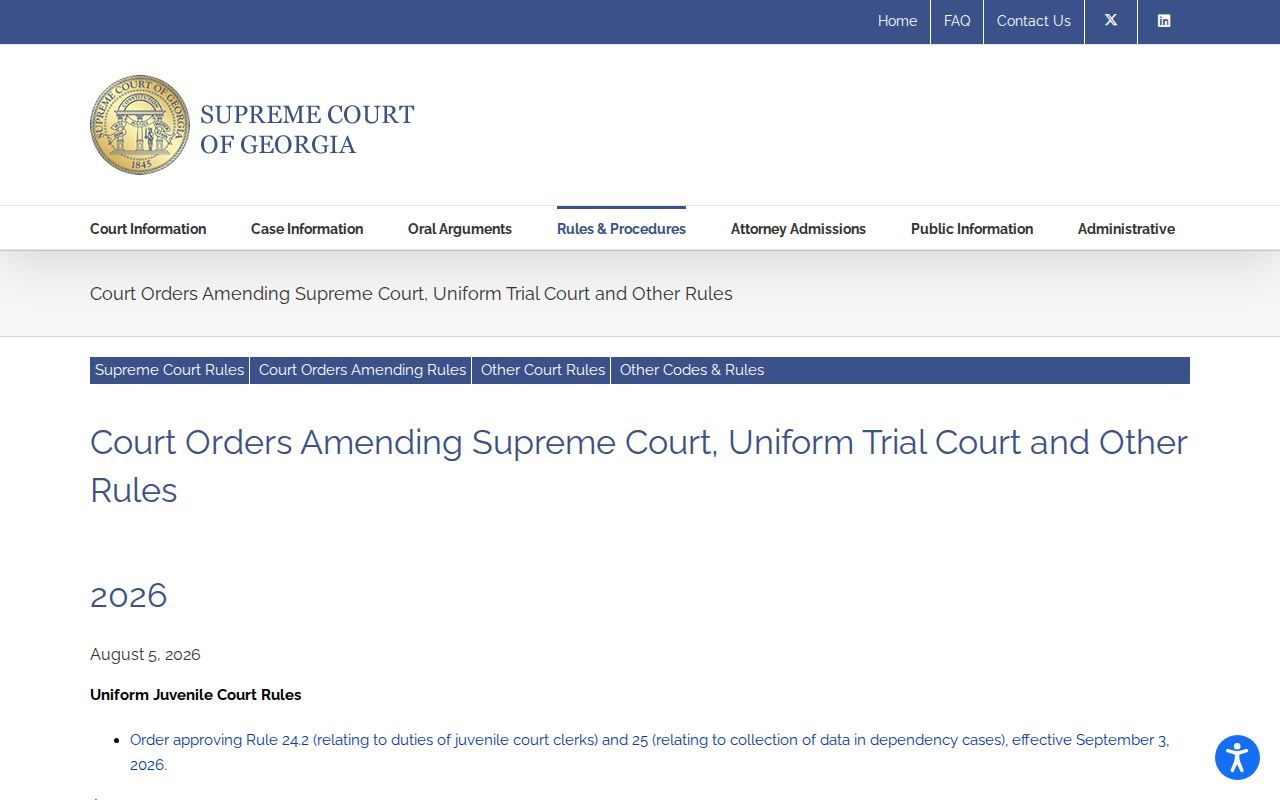
A missing or restricted case calls for a narrow question. Name the case number, court, and document sought. The Georgia Supreme Court Rule 22 source supplies the second court-access reference for this section.
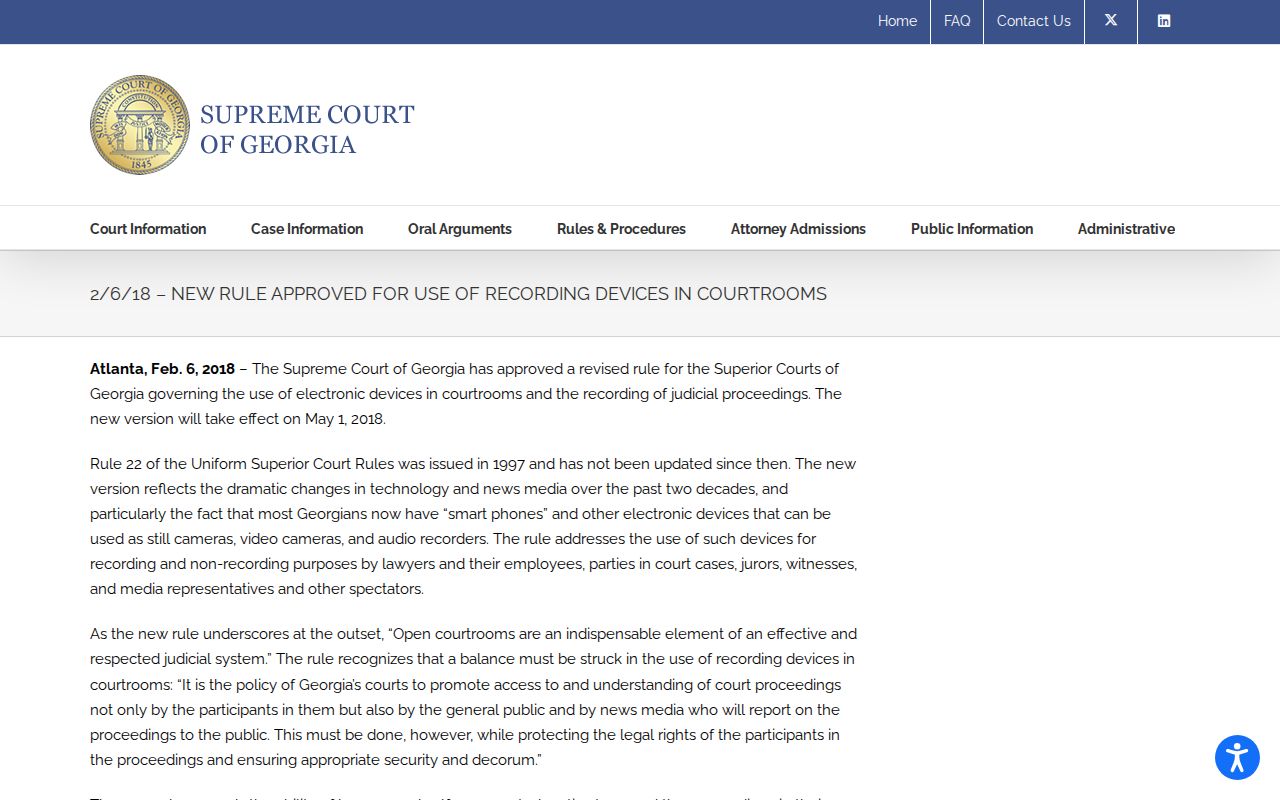
Rule 22 covers courtroom and electronic-device policy. The case index and clerk still control the record search.
Decatur County Case Search Clerk Call
Call the clerk with a narrow question. Decatur County's Clerk of Superior Court, Cecilia Willis, keeps the filing and docket records for the Superior, State, and juvenile systems at the Historic Decatur County Courthouse, 112 West Water Street, Bainbridge. The general phone is 229-248-3025. Traffic and misdemeanor matters use 229-248-3028, and the listed fax is 229-248-3029. Magistrate Court sits apart. Its address is 912 Spring Creek Road, and its phone is 229-248-3014.
Before dialing, gather the details. Have the court or division, the exact case number, the case type, the named document or event, the approximate filing date, and whether you want a plain or certified copy. Give contact details only when asked. A mailing address, phone, email, and delivery preference should come only when the office requests them. Ask whether the entry is public, sealed, juvenile, adoption-related, or held by another clerk.
- Which court owns the case: Superior, State, Probate, Magistrate, municipal, juvenile, or federal?
- Is the number formatted correctly for the selected court and case family?
- Is the missing item an index event, a document image, a certified copy, or a current hearing setting?
- Does a restriction, redaction, or account fee affect access?
- Which payment and delivery method is current for the requested copy?
The checklist matters. A case lookup and a case-file request solve different problems. Locating the case is not the same as holding a certified order. A clerk can explain procedure. But staff cannot practice law or tell you what legal choice to make.
So frame the call with the case detail. Then verify the result with the official office whenever the search, calendar, or document view conflicts.